RapZap / Guides
Make a Hotel Lobby AI Video in Four Easy Steps
Picture the finished clip first
It is easier to choose good photos once you know the shot you are aiming for. Every clip in this format uses one fixed set: a warm orange booth, a microphone dangling from the ceiling, and two performers flanking it. The left performer raps into the mic; the right performer dances. The whole thing is a brief landscape shot with no cuts, the same framing the viral posts use.
The two cards below are genuine renders from RapZap’s production pipeline. Each one lays out both input photos beside the result, so you can see how two plain portraits become a duo on the mic.
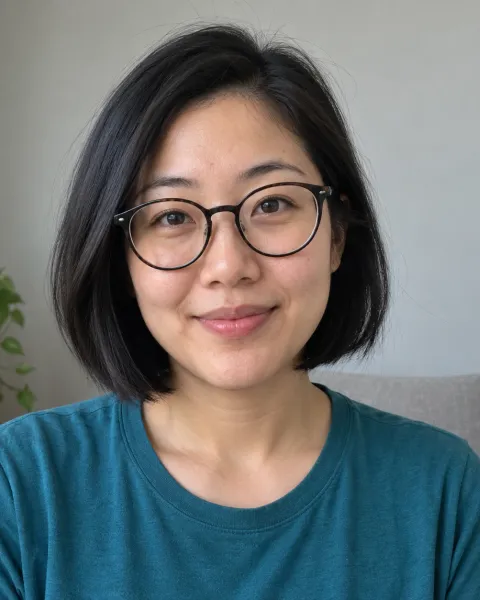
Photo 1raps 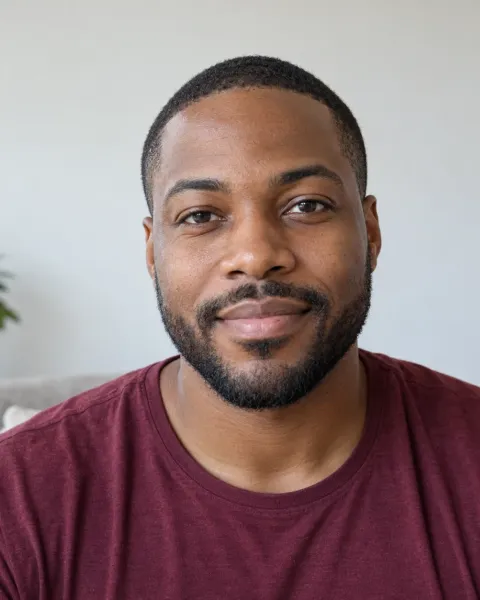
Photo 2dances Two friends, one mic
Photo 1 raps into the hanging mic, photo 2 dances beside her, from two separate portraits. Fictional test portraits, not customers.
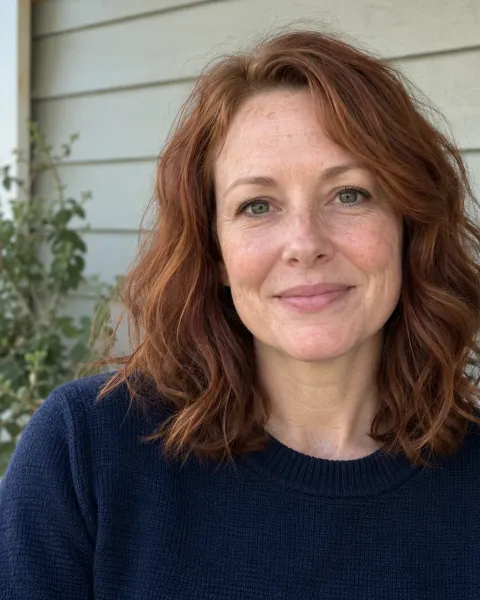
Photo 1raps 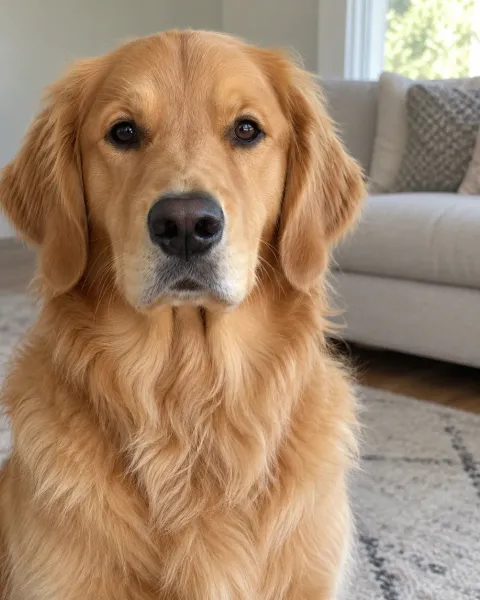
Photo 2dances Owner and golden retriever
She raps, the dog dances with a paw in the air. A person and a pet from two unrelated photos. Fictional test photos.
What you need before you make a Hotel Lobby AI video
- One photo per performer, two in total (JPEG, PNG or WebP, 10 MB or less each).
- A yes from everybody pictured. If your cousin is in the clip, ask your cousin.
- Any phone, tablet or computer with a web browser. Nothing to install, no account to open.
- A few minutes of patience. Render time rises and falls with demand, so RapZap does not quote a fixed wait.
Step by step: make a Hotel Lobby AI video on RapZap
Choose two sharp photos
Grab one picture per performer. Each should hold a single person or pet, face visible and evenly lit. JPEG, PNG or WebP uploads are fine, as long as each stays under 10 MB.
Load them into the generator
Whatever you put in Photo 1 lands on the left, and Photo 2 lands on the right. Tap Swap performers to reverse the pair, then tick the box saying you have permission for both photos.
Render and pay one time
Tap Make My Hotel Lobby Video. Without credits on your balance, you first pay $8.99 through Stripe checkout. The AI then sets up the orange booth, and a status page tracks every real stage.
Save the MP4 and share
Play back your 15-second clip and download the file. We hold it for 7 days only, so keep your own copy before posting to TikTok, Reels or Shorts.
Left side or right side: who does what
Upload order sets the stage. Photo 1 always raps from the left-hand spot while Photo 2 always dances at right, with the mic hanging in the gap between them. If the roles matter, say your friend is the one who never stops talking and should obviously be on the verse, sort that out before you render. One tap on Swap performers trades the two photos.
Think about the caption too. Posts in this trend often lean on the casting joke, so decide who raps and who dances with the punchline in mind.
Pick photos that actually look like you
The model sees each picture as the reference for one performer and nothing more. A clear, straight-on portrait gives it the most to work with, so the result resembles the real person more closely. No studio shoot required: a recent phone snap near a bright window usually beats an old professional headshot.
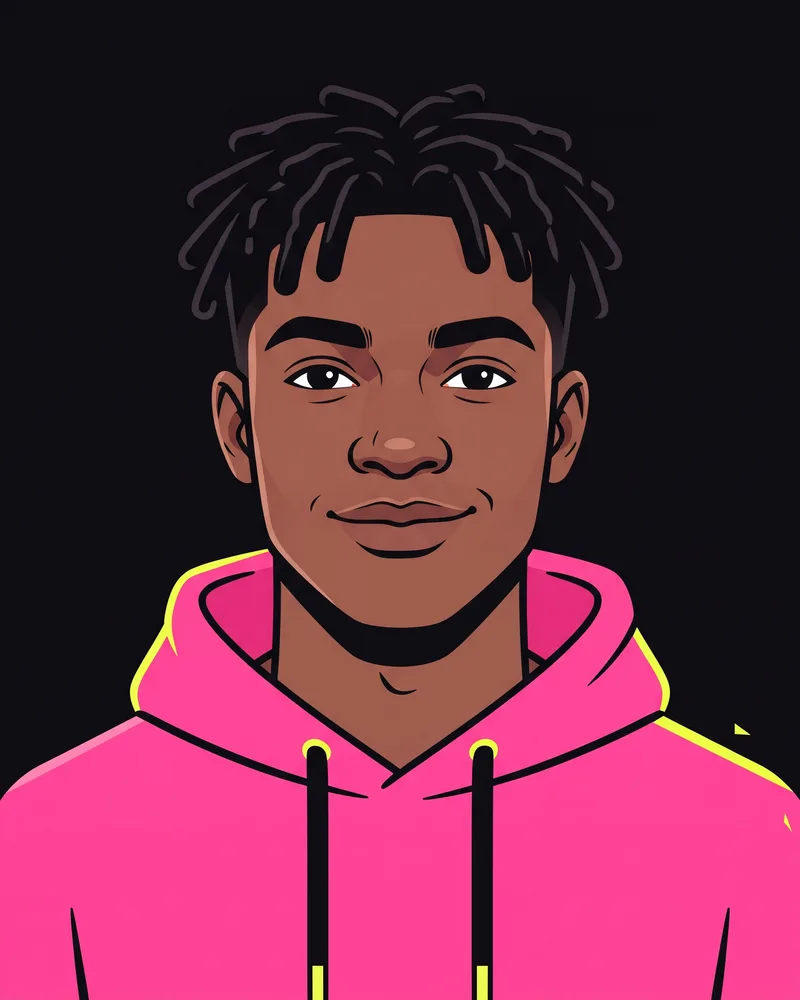
Good: clear, front-facing 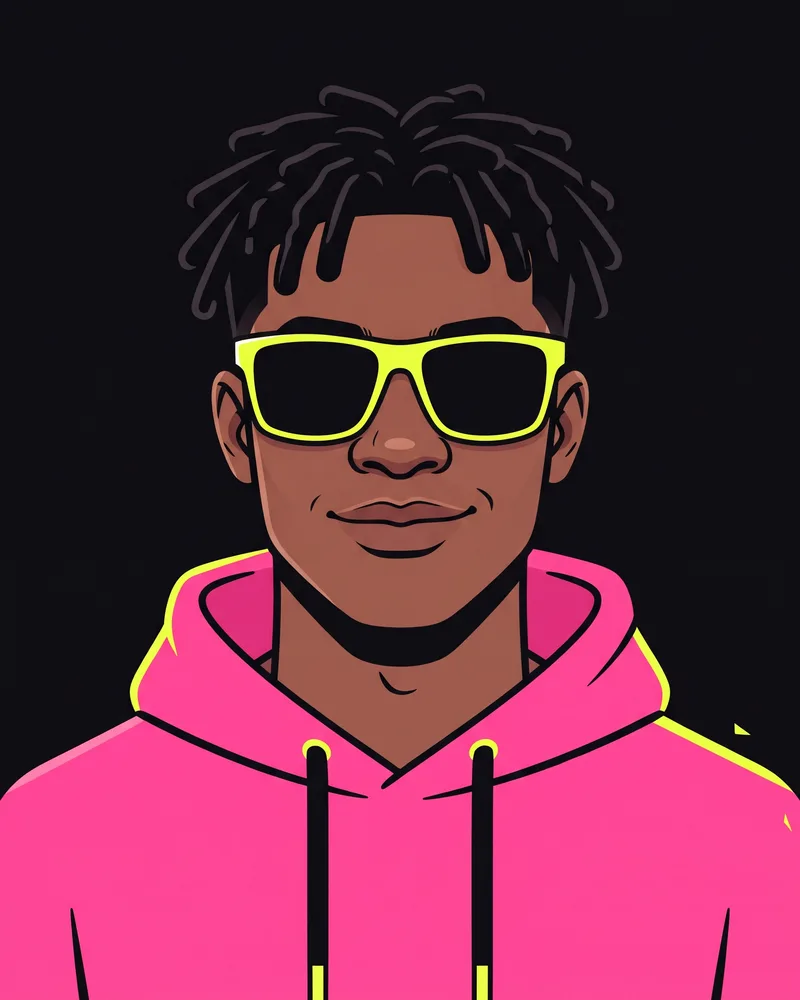
Avoid: sunglasses 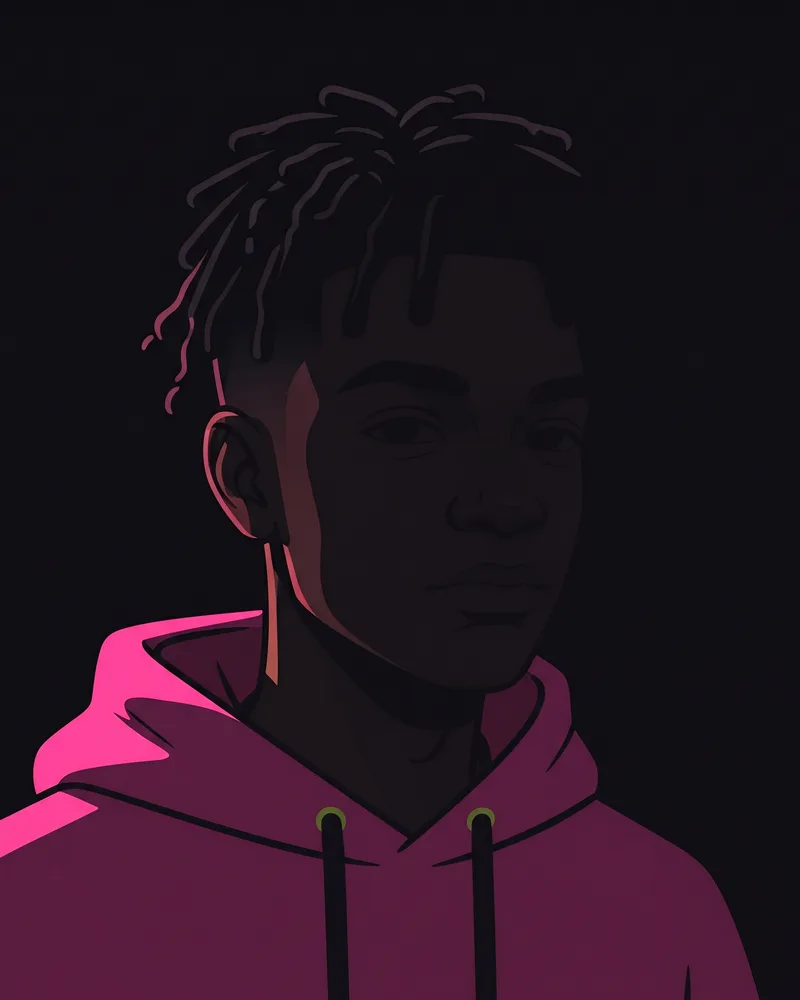
Avoid: too dark 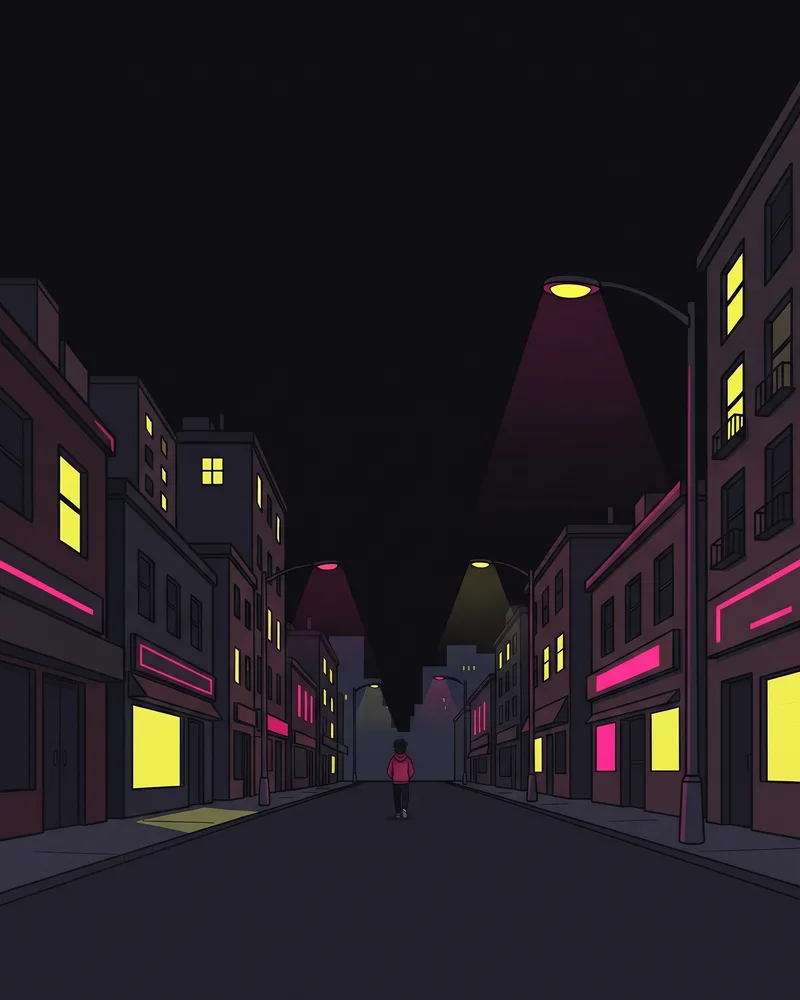
Avoid: tiny face 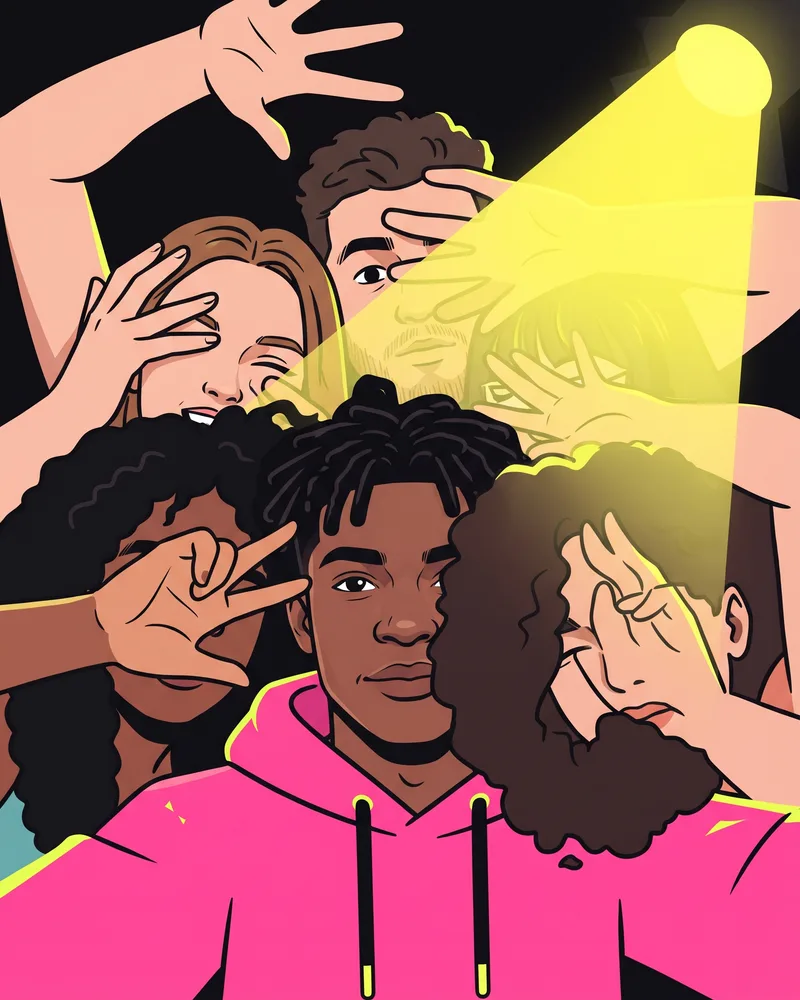
Avoid: group shot 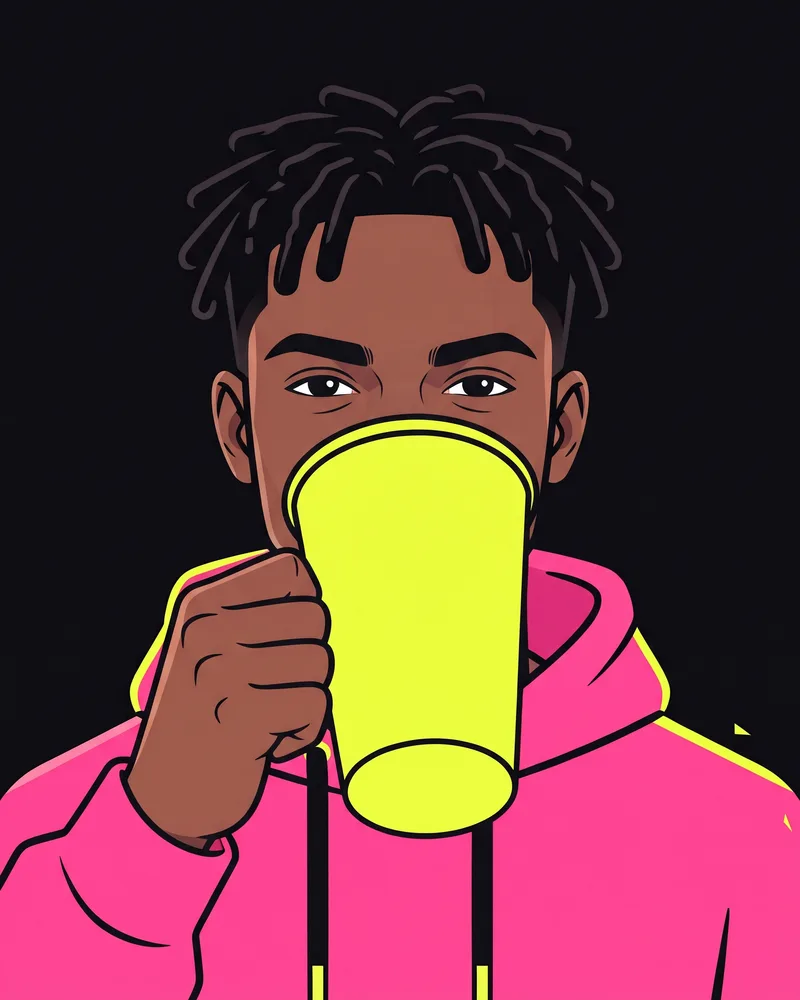
Avoid: covered face
- Look at the lens, or close to it.
- Keep the face open: no shades, masks, hands or stray hair across it.
- Find soft, even light. Daylight from a window is ideal.
- Frame from the chest up. Tiny faces pulled from group shots rarely hold up.
- Leave out screenshots carrying text, stickers or watermarks.
Great inputs still do not lock in a perfect copy. The model can shift small details such as hairstyle, clothing or fingers. Sharp, front-facing photos simply give both performers the best chance of being recognizable.
What the result will and will not do
Ahead of launch, RapZap ran 4 test renders through the exact pipeline buyers use and checked each one frame by frame; 4 of the 4 passed review. Four clips is a small sample, so expect an occasional rough moment: a pet on the dance side moves less than a person would, and a hand or paw can look strange for a beat.
No audio is baked in: the clip is silent, and the rapper’s mouth is timed to the TikTok sound “HOTEL LOBBY (Unc & Phew) - - A COLORS SHOW”. Pick that sound when you post, and if the words drift, slide the sound’s start point in TikTok’s editor. The track itself never goes into your file. Since the clip is a single continuous take, the start point of the sound is the only thing you ever need to line up.
You also get a fixed scene. The booth, the mic, the camera angle and the length are part of the template, so there is no option to change the background color or add a third performer. That trade-off is what keeps the process to two photos and one tap.
Posting your clip
Download the MP4 as soon as the status page says it is ready. On TikTok, attach the Hotel Lobby sound from the sound library and scrub its start until the rapper’s lips match the words. On Instagram Reels or YouTube Shorts, use the licensed version of the track each app offers. Whichever app you choose, switch on its AI-generated content label so viewers know what they are watching.
The file stays available for 7 days, and only in the browser that made it. If you want to post it again next month, keep your own copy.
Fixing a Hotel Lobby AI video that looks off
| What you notice | Probable reason | Next move |
|---|---|---|
| A performer barely resembles their photo | The source shot was dim, soft or angled | Swap in a brighter, crisper, straight-on picture of that person |
| The rapper and dancer are reversed | The two photos went into the opposite slots | Tap Swap performers before rendering; Photo 1 is always the left rapper |
| The status reads failed | The AI provider could not complete the render | Your credits return on their own, once; run it again with the same or different photos |
| The video has vanished | It only opens in the browser that created it | Use that same browser, inside 30 days, and save the MP4 as soon as it finishes |
| The render is slow | The AI provider is busy | Keep the status page open or check back later; slow does not mean failed |
| The lips do not match the words | The sound starts at a different point | Slide the sound’s start in the TikTok editor until mouth and lyrics meet |
Common questions
What is the quickest way to get the trending Hotel Lobby AI clip?
Give a Hotel Lobby AI generator one photo per performer, tick the permission box and start the render. RapZap charges $8.99 once and returns a 15-second 16:9 landscape MP4 at 720p ready for TikTok.
Do I have to write a prompt or edit anything?
No. The orange booth, the dangling mic, the framing and the model settings are preset. Choosing two photos is the whole job.
Can my best friend and I be in it together?
Yes. Put yourself in one slot and your friend in the other: whoever is Photo 1 takes the verse at left, and Photo 2 dances at right. Check with your friend before using their picture.
How long is the finished clip?
A RapZap Hotel Lobby clip runs 15 seconds in 16:9 landscape at 720p, matching the frame of the viral posts.
Does the video show a real hotel lobby?
No. The name comes from a song title, not a building. On screen you get two performers, an orange booth and one hanging mic, with no hotel anywhere.
Can I upload a group photo and choose two people from it?
Better not. Each upload should hold one person, large and sharp. Crop each person into a separate photo first.
RapZap is an independent AI rap video maker. No artist, record label, music show, NPR, COLORS, TikTok, Instagram, YouTube or other brand named on these pages has partnered with, approved or paid for RapZap. Hotel Lobby videos never contain the original Hotel Lobby song. Bulin 47 AI clips are fan tributes built without any original footage or recording, and have no tie to Kevin Wai or Bulin 47. Zombie couple clips are scenes we generate from scratch and have no tie to any app, template or creator connected to that trend. Rumpelstiltskin AI clips are fan tributes made with our own generated barn and dance; they borrow no footage or sound from the meme or from the 1987 film, and have no tie to RiFF RAFF or the people who started the meme. Outstanding Tiny Desk AI clips are fan tributes made with our own generated set and band; they borrow no footage or sound from the NPR performance or the meme, and have no tie to Charlie Wilson, The Gap Band, NPR or its Tiny Desk Concerts series.