RapZap / Guides
Hotel Lobby AI Pet Videos: Cats and Dogs in the Orange Booth
Cats got to the booth first
Animals were part of this meme from day one. XXL traced the trend back to early September 2026, when a TikTok dropped two cats into the orange recording booth. Pet versions never really left the feed after that. A dog bobbing its head next to a deadpan cat on the mic is a hard clip to scroll past.
Below are three takes from our own pipeline: an owner beside a dog, an owner beside a cat, and a cat sharing the stage with a dog. Every input photo was a fictional test image created for quality checks, so none of these animals belong to a customer.
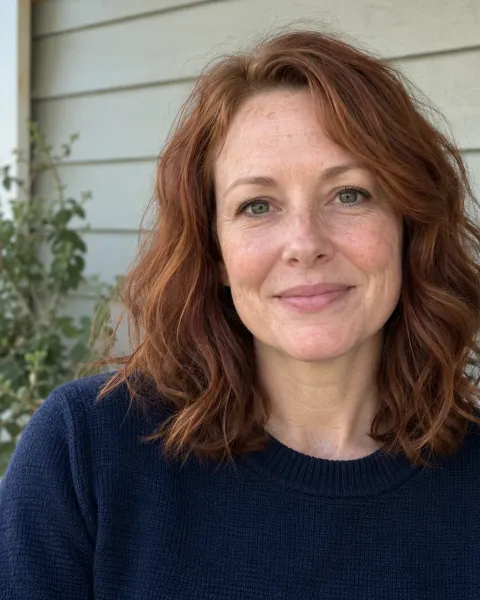
Photo 1raps 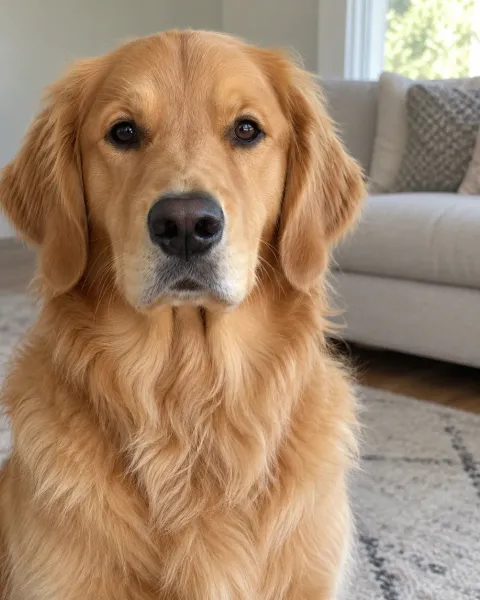
Photo 2dances Owner and golden retriever
She raps, the dog dances with a paw in the air. A person and a pet from two unrelated photos. Fictional test photos.
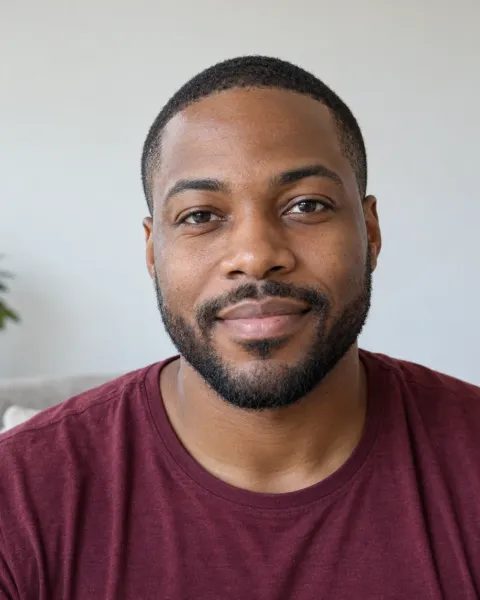
Photo 1raps 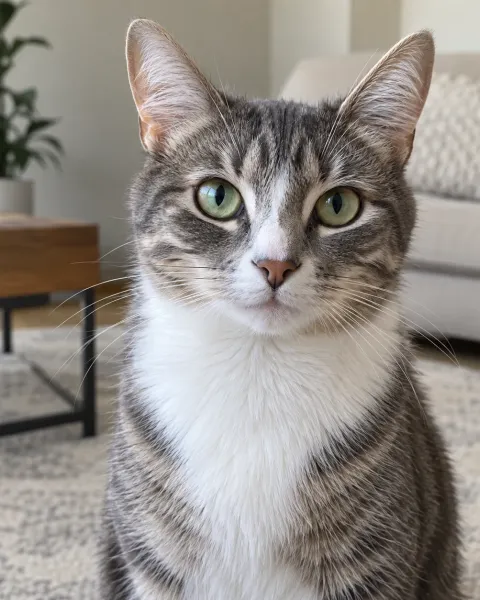
Photo 2dances Owner and tabby cat
Human on the left rapping, cat on the right dancing: the order you upload is the order you get. Fictional test photos.
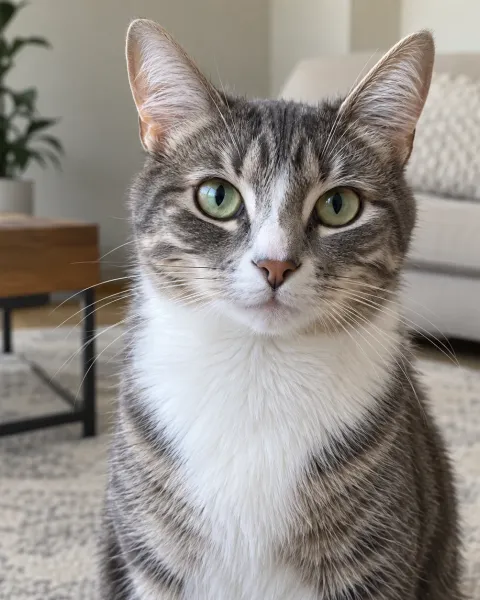
Photo 1raps 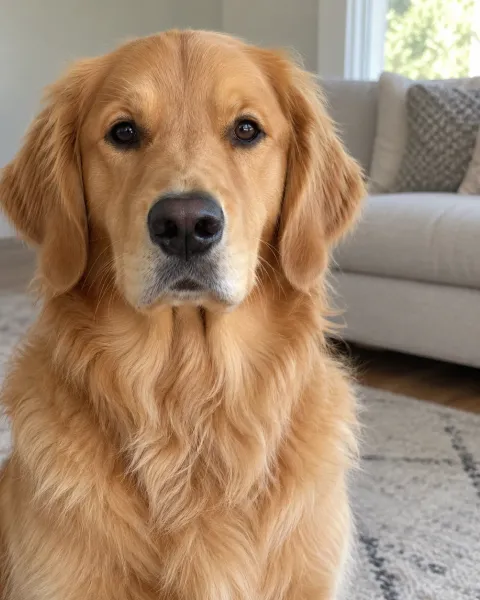
Photo 2dances Cat and dog duet
The cat takes the mic, the dog keeps the beat. Two pet photos, no people at all. Fictional test photos.
Building a Hotel Lobby AI pet clip, step by step
Pick one photo for each animal
Keep it to a single animal per picture, looking toward you, in natural light. Crouch to their level rather than pointing the phone down at them.
Choose the left and right spots
The first photo takes the left side of the booth and raps; the second takes the right side and dances. Tap Swap performers to flip them. A human and an animal can share the stage.
Start the render
Tick the box confirming you may use both pictures, then press the create button. A single video is $8.99, paid once through Stripe.
Save the MP4 and post it
Grab the file as soon as it finishes. We keep it on our side for 7 days, then it is gone.
Pet photo tips: the shots that work and the ones that flop
Animal photos go wrong for their own reasons. Pets wriggle, glance sideways, and dark coats swallow detail. The set below shows one fictional dog captured six different ways, plus a cat shot that does the job. Only the first two give the model enough of a face to animate.
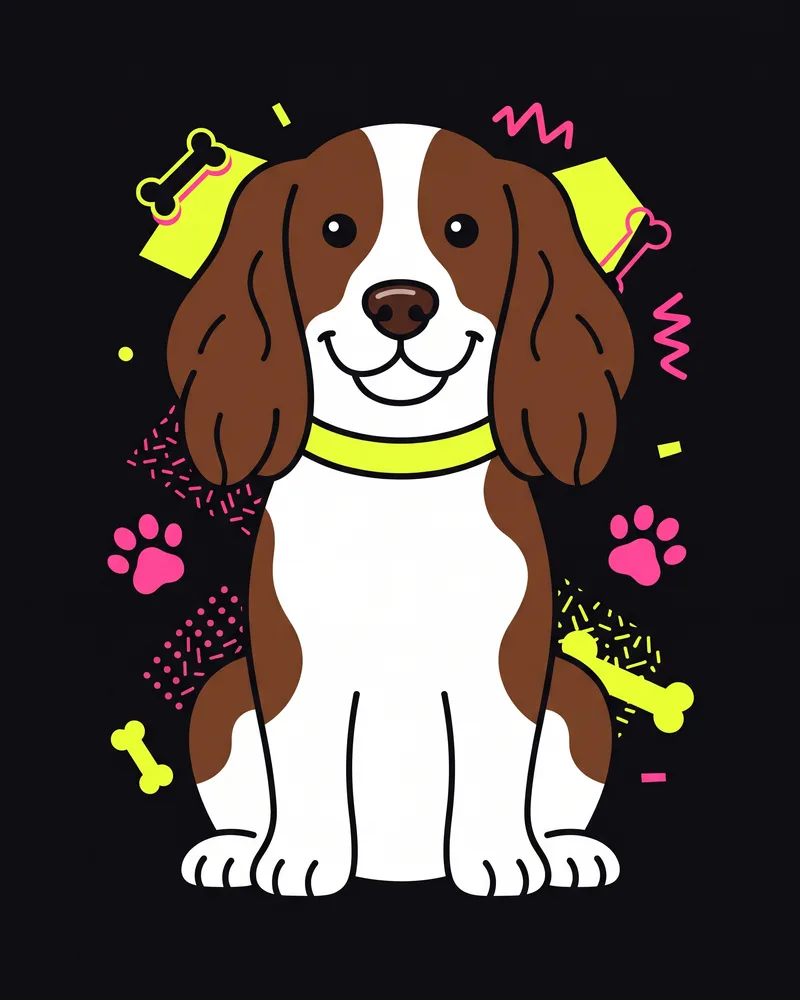
Good: eye level, even light 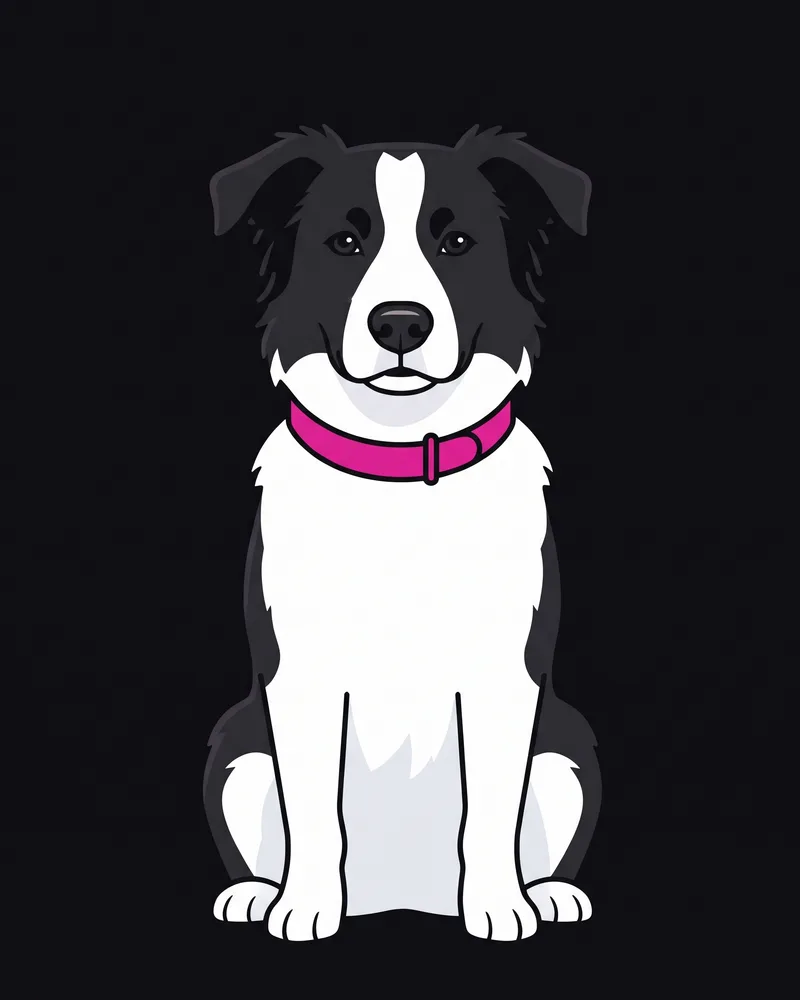
Good: whole face showing 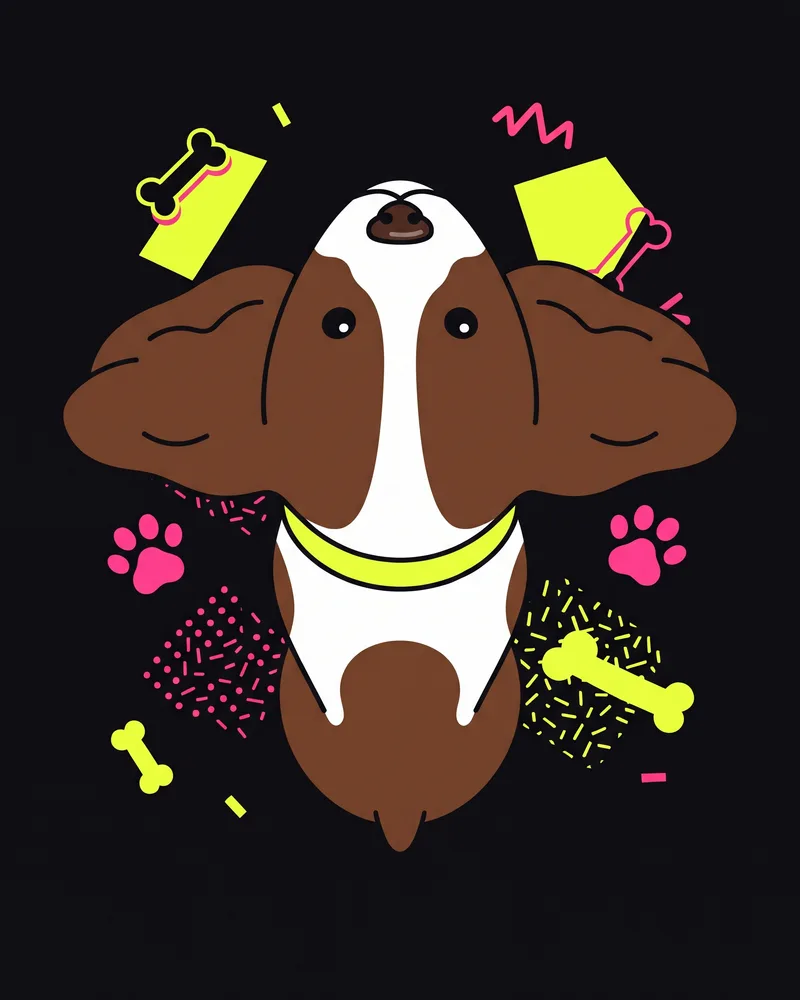
Avoid: top-down angle 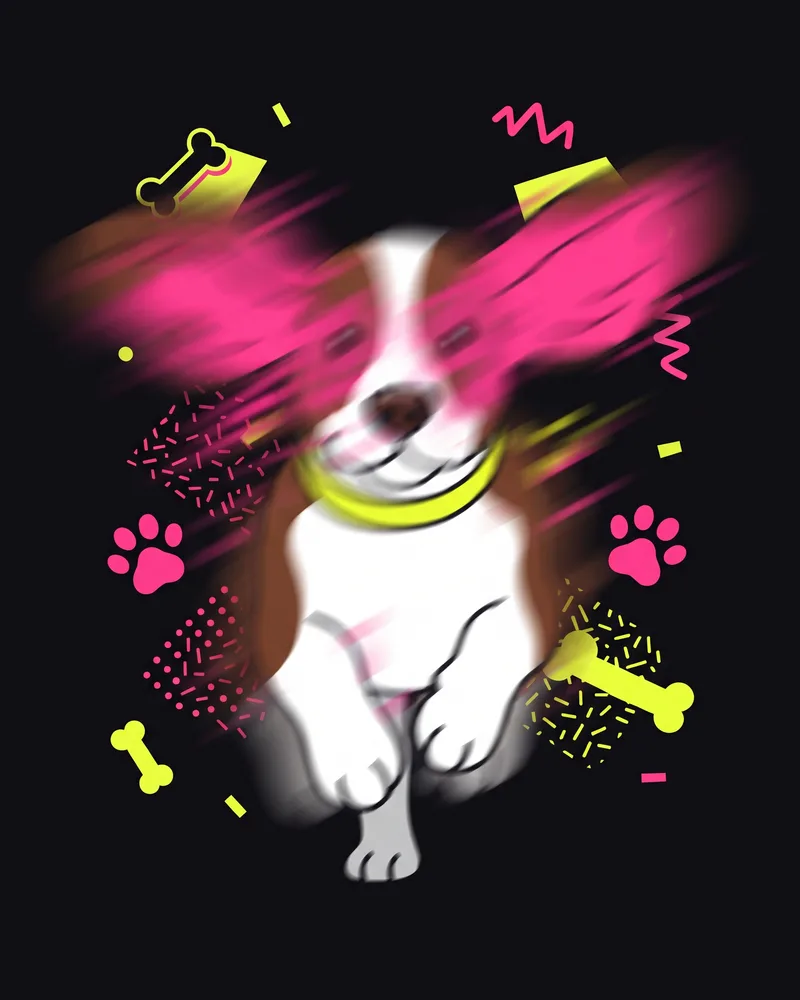
Avoid: blurry motion 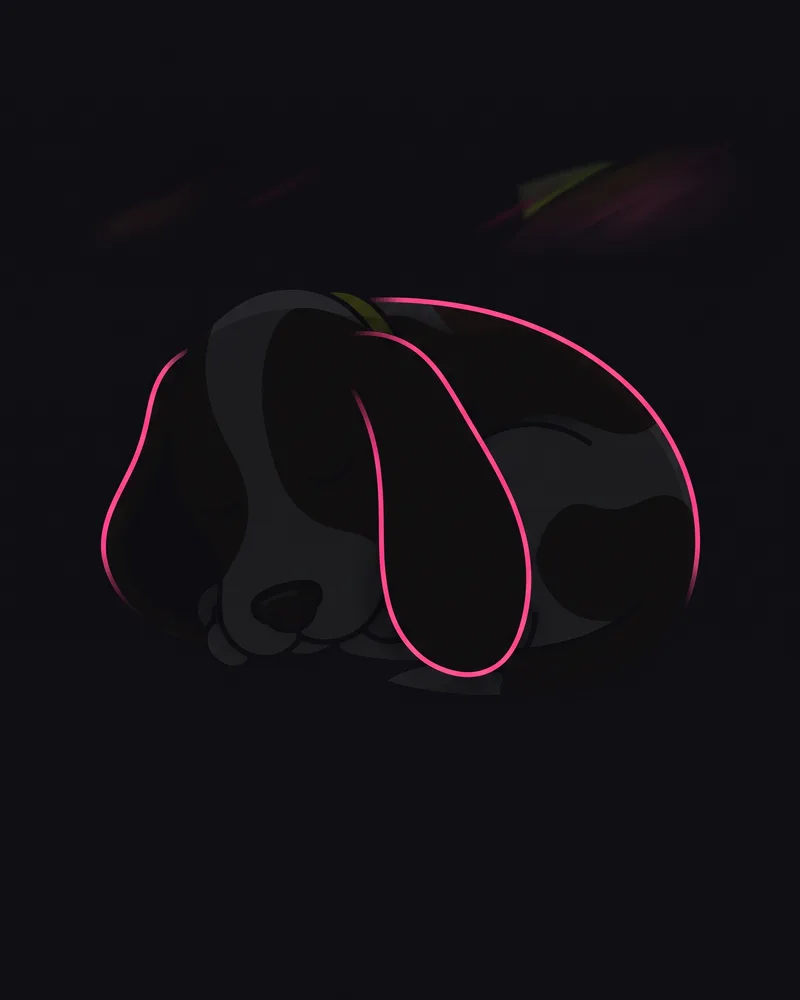
Avoid: too dark 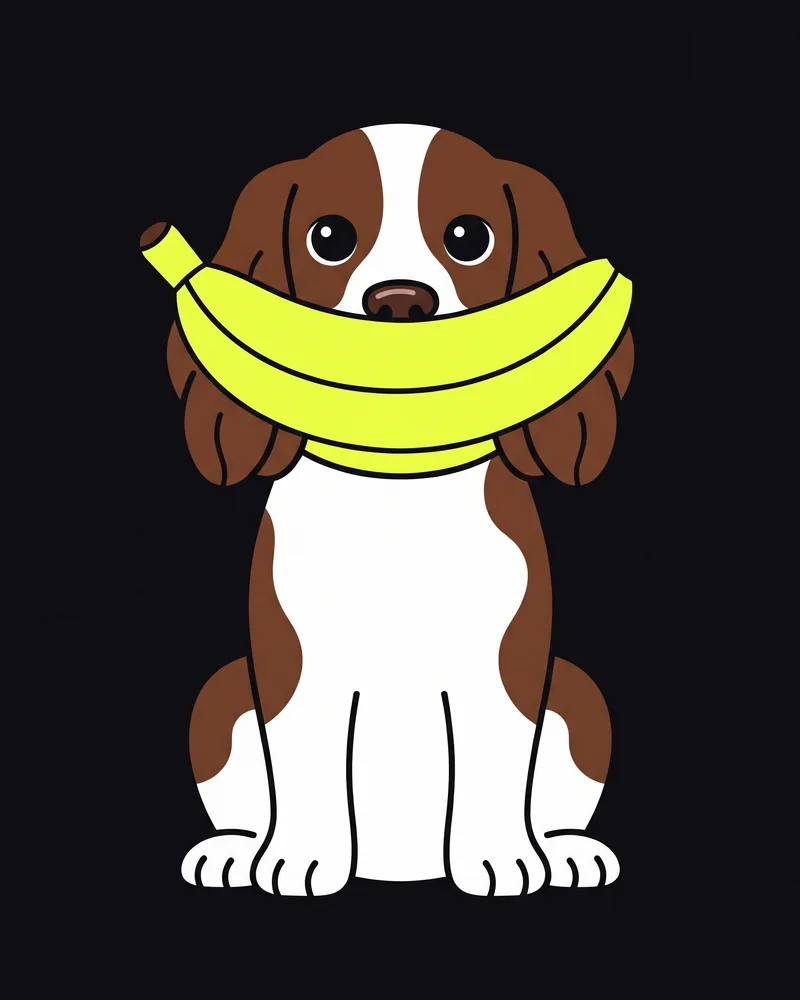
Avoid: face covered 
Avoid: tiny in frame
- Crisp focus on the eyes and nose. Shoot a handful and keep the cleanest one, with zero blur.
- Plenty of soft, even light. A black or brown coat needs far more than you expect; a sunny window works wonders.
- Phone at the animal’s eye height. A top-down angle gives you a giant head on a tiny body.
- Nothing blocking the head: no chew toy, food bowl or human hand in the way.
- A single animal in frame. Crop away the other pets, the kids and the couch-mate.
- Get close enough that the pet fills most of the picture. A speck in a big room tells the model almost nothing.
Getting a portrait from a pet that refuses to pose
What the model wants is a plain portrait, which is exactly what most cats and dogs refuse to give you. These tricks usually land a usable shot within a few minutes:
- Hold a treat or a squeaker right above the camera lens so your pet stares into it.
- Switch on burst mode, or record a few seconds of video and pull the crispest still from it.
- Try after a walk or a round of fetch. A tired animal sits still far longer.
- Recruit a helper to rustle the treat bag or call their name while you hold the phone.
- Clean the lens on your shirt first. A greasy smudge quietly softens every frame.
- Black cats and dark dogs look best beside a bright window. Skip the flash, which flattens the coat into a dark blob.
How faithful is a Hotel Lobby AI pet result? Our test
Ahead of launch, RapZap ran 4 test renders through the exact pipeline buyers use and checked each one frame by frame; 4 of the 4 passed review. The animals held up well, yet the model is still steadier with human faces than with fur and whiskers, which is why we keep calling pets experimental.
| Pairing | Videos made | Passed visual review |
|---|---|---|
| Person + person | 1 | 1 |
| Person + pet | 2 | 2 |
| Pet + pet | 1 | 1 |
A passing take still does not mean a pet moves like a person. In our run, the animal dancers swayed, tipped their heads and raised a paw now and then, with less range than a human dancer. Toward the last seconds the framing or the size of a pet sometimes shifted slightly, and small details such as a patch of white fur or the fold of an ear can wander. Plenty of owners find that funny. If you need your dog or cat to look exactly like themselves, feed the model your sharpest photo.
If your render fails, RapZap puts the 150 credits back in your balance automatically, once, so you can run another take. A finished clip that simply misses your expectations is not a failed generation; for cash refund requests, see our Refund Policy.
Pairings worth trying in the booth
- Pets
 Illustration
- Two cats who share a sofa and secretly always wanted a record deal.
- A dog and a cat who are best friends, or sworn rivals. Both versions play well.
- You on the mic with your pet as the hype dancer, or the other way around.
- Two dogs from your friend group, with a yes from each owner first.
- A tribute clip for a pet who has died, built from your favorite clear photo of them.
One template among several
Hotel Lobby is one of the fixed templates on RapZap, our AI rap video generator. Each template has its own scene, length and photo count, and each costs the same flat price with no account. If you want to see the other booths and stages, the RapZap homepage lists every one of them.
Common questions
Can my two cats star in a Hotel Lobby AI pet video?
Sure. Give each cat its own slot with a clear photo. Animals are an experimental feature and may come out less exact than people, so pick bright, sharp shots where each cat faces the camera.
Does the Hotel Lobby AI pet option work for dogs too?
Yes. Dogs follow the same rules as cats: a single dog per photo, looking at the lens, in good light. Pet results are still experimental.
Will my pet turn into a human-style rapper?
No. Your pet stays an animal, with its own coat, face and body, and no clothes or human hands. It performs in an animal way, and an animal dancer has a smaller range of motion than a human. A clear photo keeps it recognizable.
Can I appear in the video next to my pet?
Yes. Put your own photo in the first slot and your pet in the second, or reverse them so the pet takes the mic.
My pet does not look like itself. What now?
Retake the photo brighter, sharper and at eye level. Should the render itself break, the credits land back in your balance on their own, once, for another try.
Can I make a video of a pet who has passed away?
Yes, if the photo is in focus. Choose the clearest, best-lit picture where the whole face shows. A scanned print is fine as long as it is sharp.
Can one photo contain both of my pets?
No. Every photo needs exactly one animal. If you only have a shared shot, crop it into two separate pictures before uploading.
RapZap is an independent AI rap video maker. No artist, record label, music show, NPR, COLORS, TikTok, Instagram, YouTube or other brand named on these pages has partnered with, approved or paid for RapZap. Hotel Lobby videos never contain the original Hotel Lobby song. Bulin 47 AI clips are fan tributes built without any original footage or recording, and have no tie to Kevin Wai or Bulin 47. Zombie couple clips are scenes we generate from scratch and have no tie to any app, template or creator connected to that trend. Rumpelstiltskin AI clips are fan tributes made with our own generated barn and dance; they borrow no footage or sound from the meme or from the 1987 film, and have no tie to RiFF RAFF or the people who started the meme. Outstanding Tiny Desk AI clips are fan tributes made with our own generated set and band; they borrow no footage or sound from the NPR performance or the meme, and have no tie to Charlie Wilson, The Gap Band, NPR or its Tiny Desk Concerts series.